Prove it works.
Then trade it.
Portfolio backtesting, walk-forward optimisation and strategy validation in one desktop app, and Claude can run every step of it for you through MCP. When a strategy earns real money, trade it through the connectors we ship, one you write yourself, or one we build for you.
One month free · no card · no obligation.
after the free month · pick a plan in your account
Not features. A way to know.
Coding a strategy is no longer the hard part. Knowing whether it holds is. Everything on this page serves that one question, and every step can be handed to Claude.
One strategy.
The whole list.
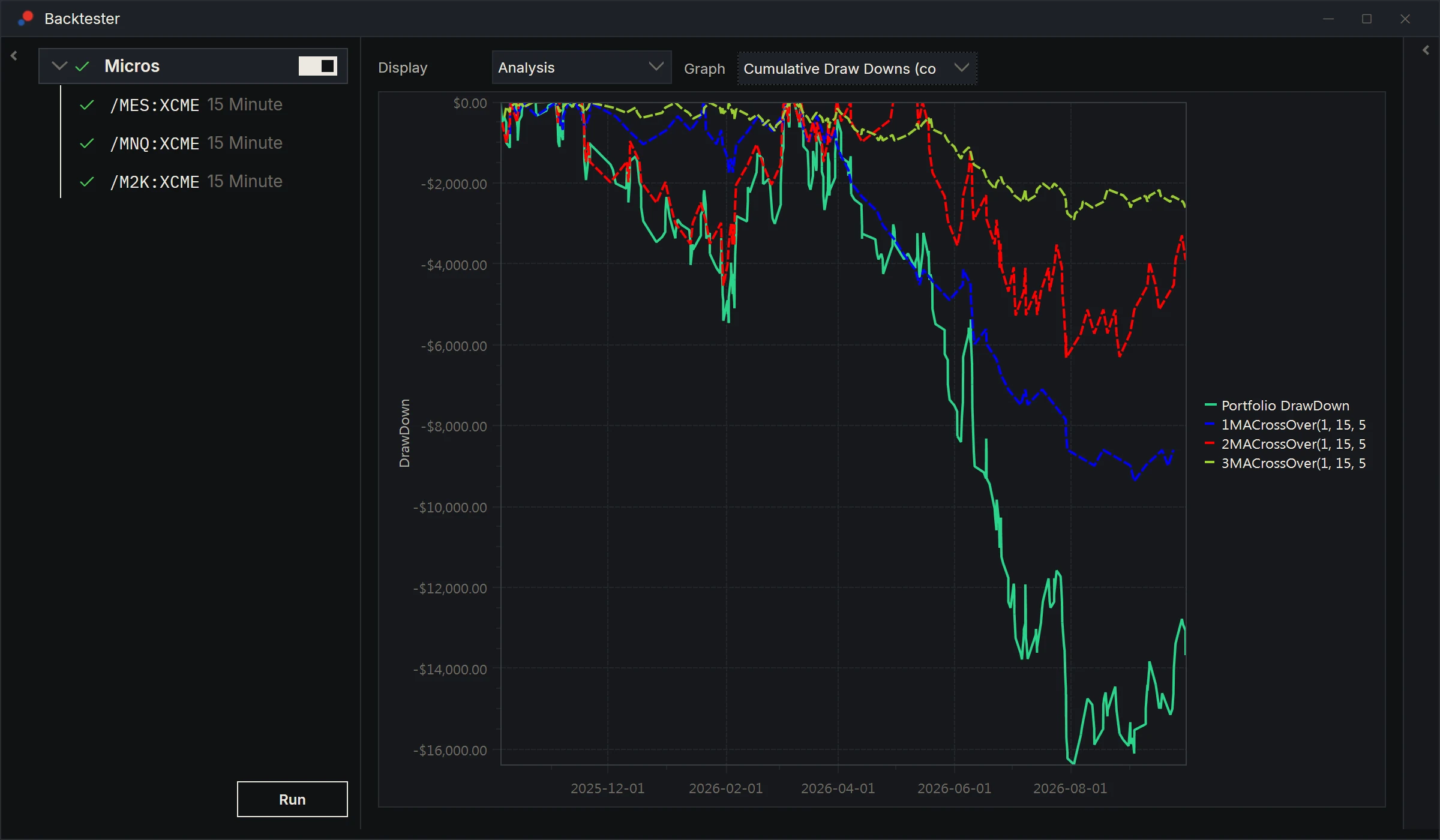
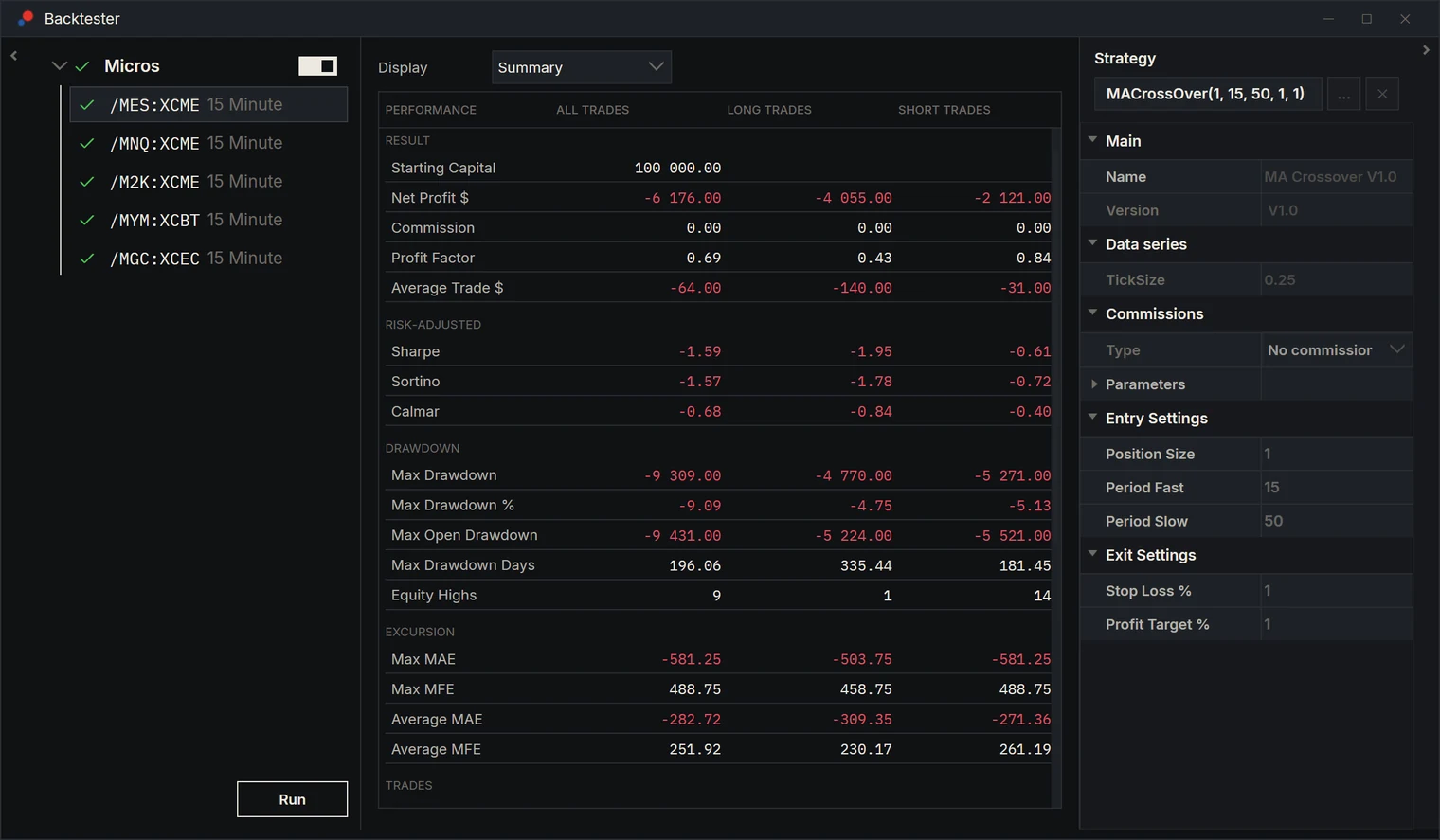
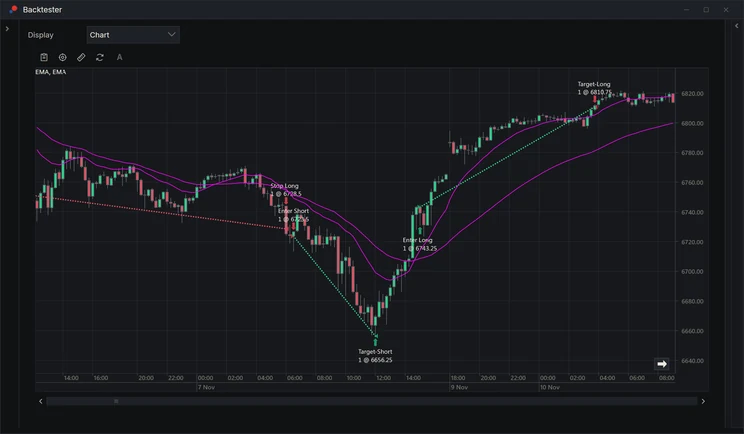
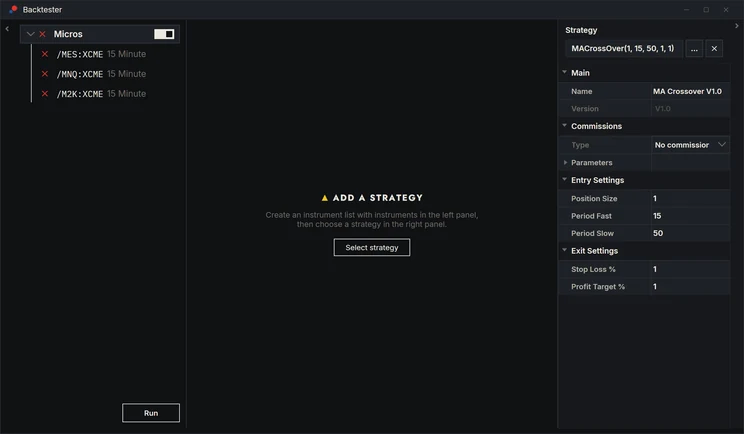
An edge that only shows up on one instrument is usually luck. Run a strategy, or several, across an entire instrument list in one go, score every instrument on its own, and roll it all up into a single portfolio view with its equity curve and drawdown.
- apply one strategy to every instrument
- market, stop and limit fills · commissions
- all · long · short
- portfolio equity and drawdown, per instrument and combined
Optimise without
fooling yourself.
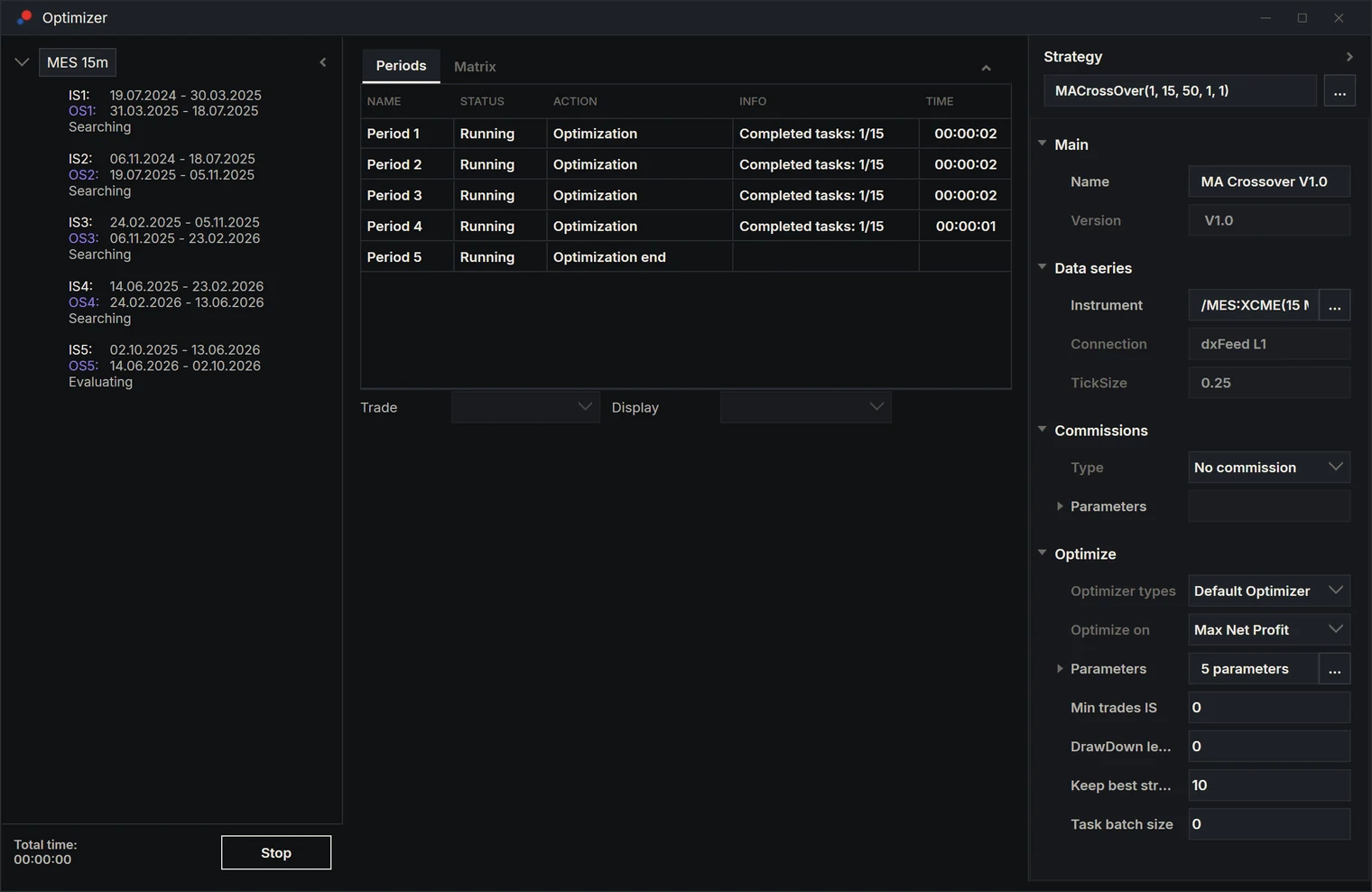
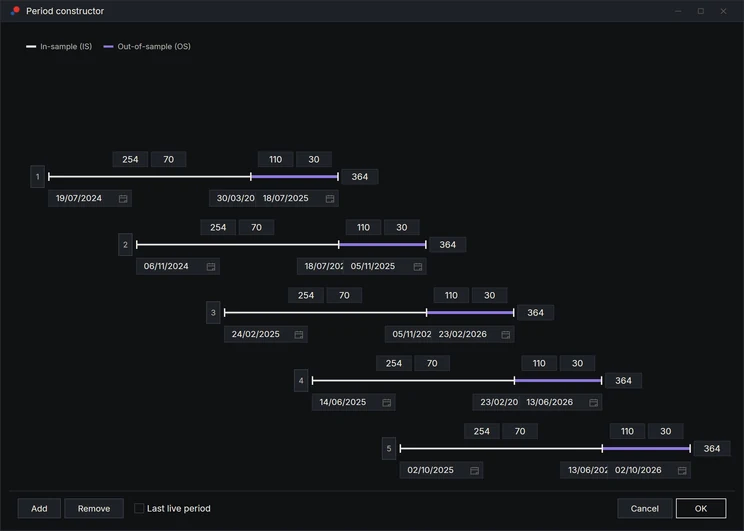
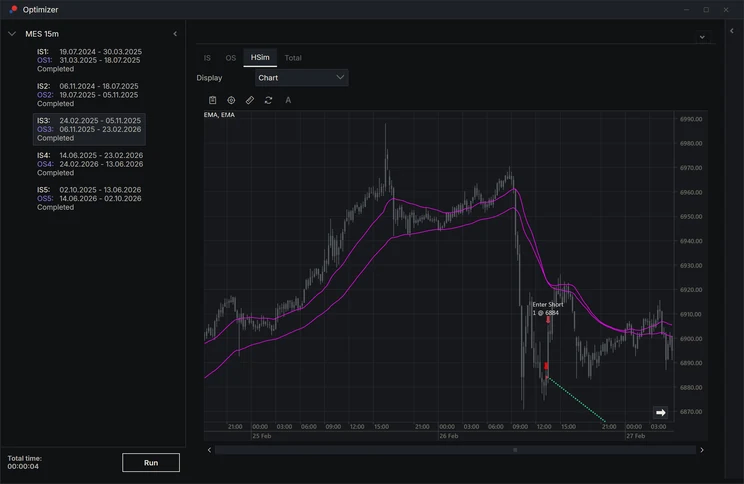
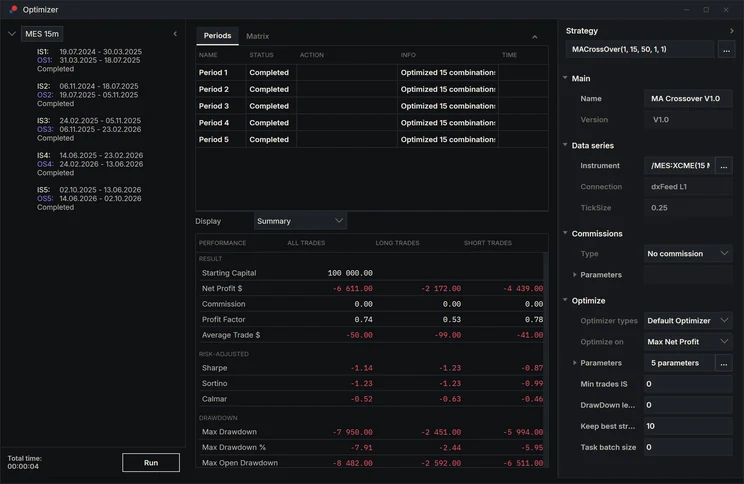
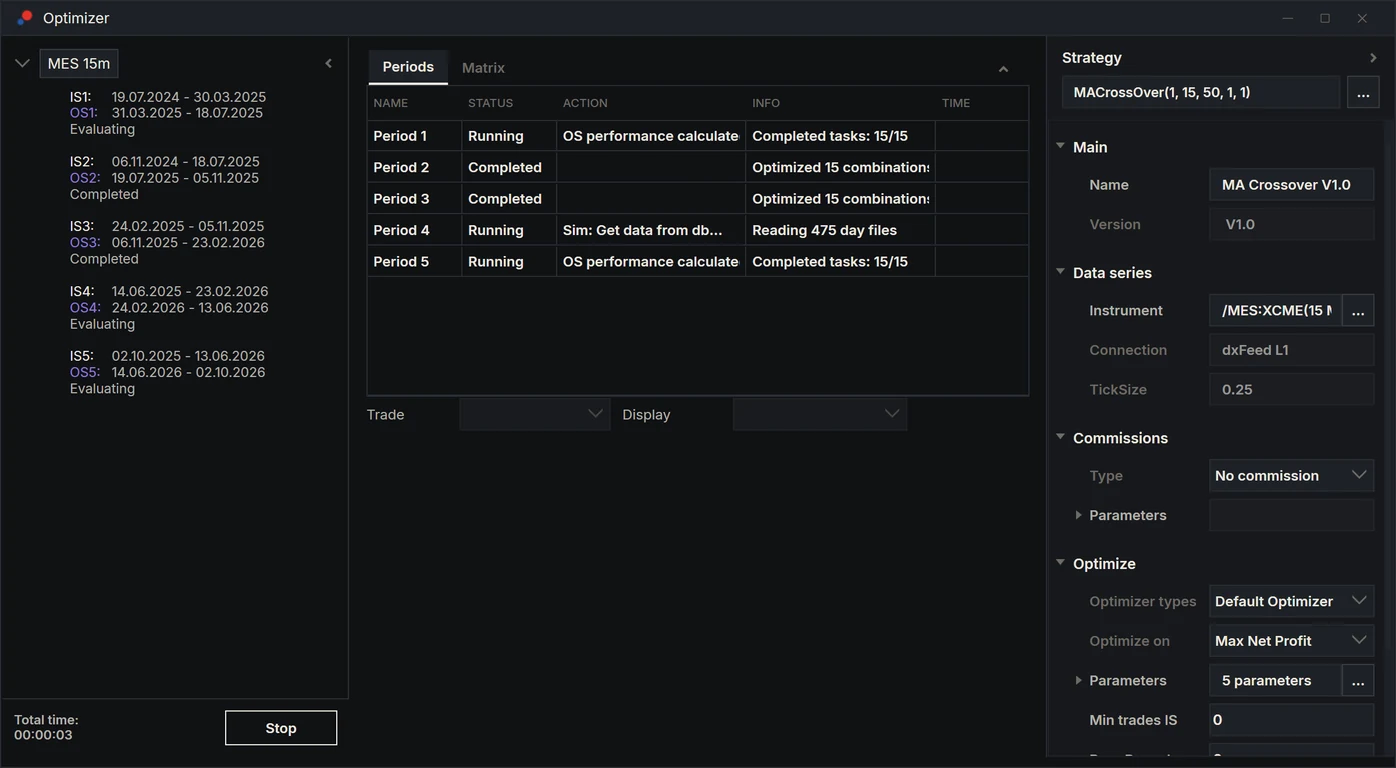
Every parameter set is chosen on one stretch of data and judged on the next stretch, which it never saw. Roll that forward through the history and stitch the unseen parts together: what you get is the result you could actually have had.
- full and genetic search on every core
- same seed, same result, on any machine
- rolling in-sample / out-of-sample periods
- your own fitness function
A clear keep
or drop.
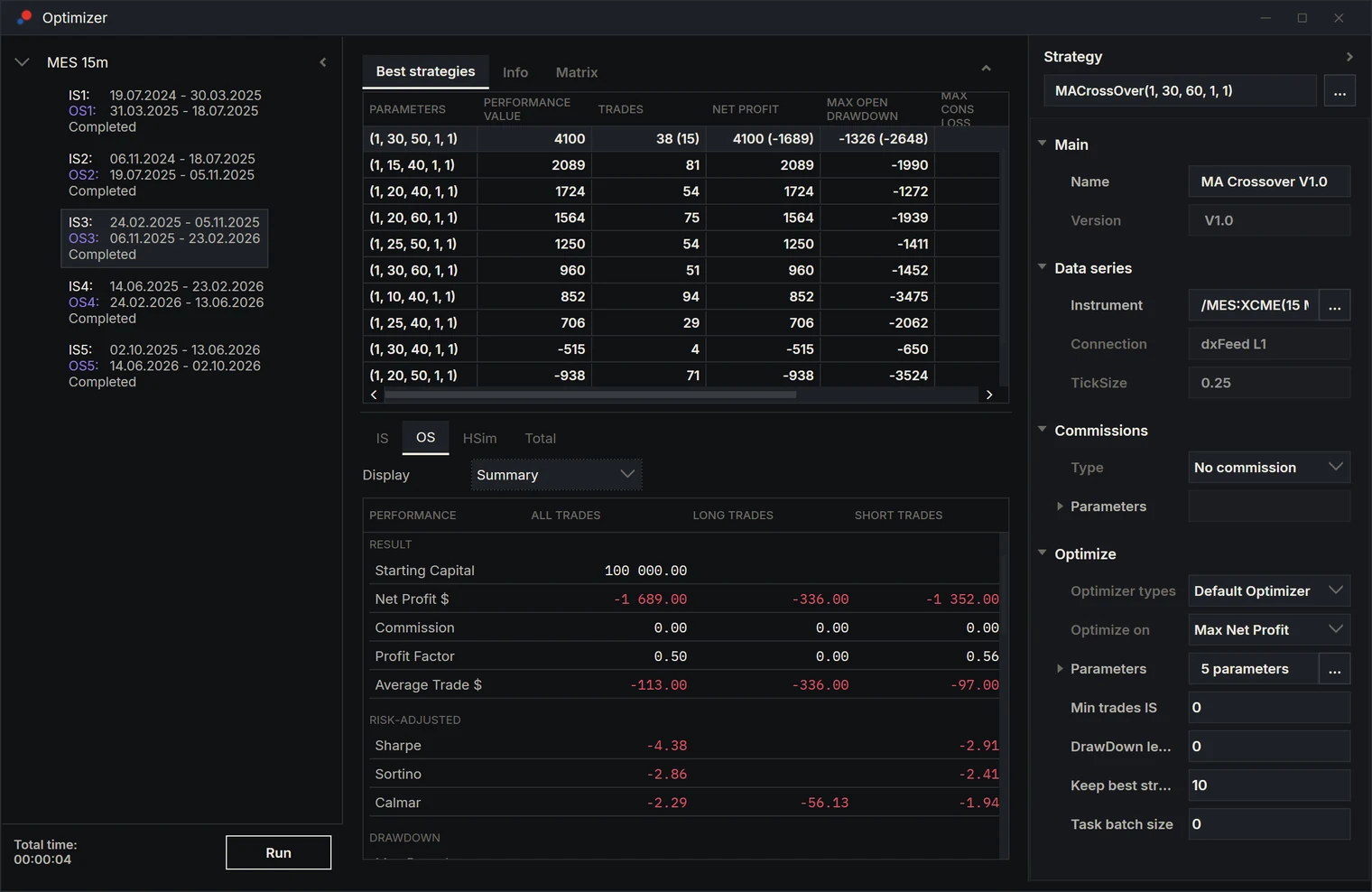
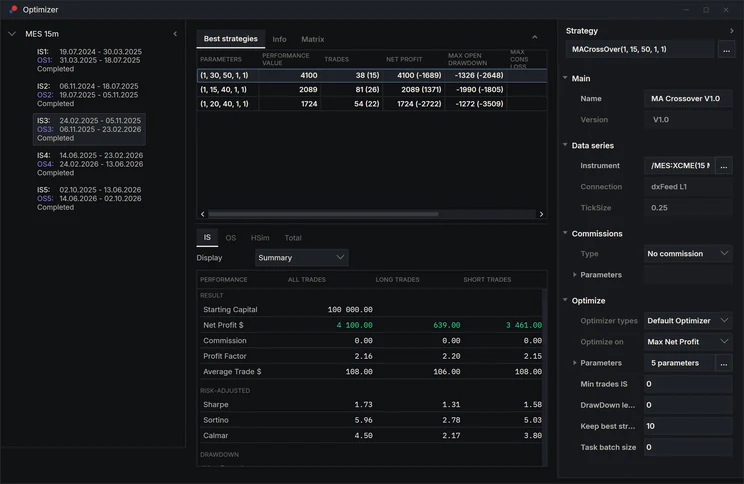
In-sample and out-of-sample figures sit side by side for every period, so a strategy that only works on the data it was fitted to shows itself early. Keep the evidence: every run is saved, can be reopened later, continued up to today, and exported as a PDF research report.
- in-sample vs out-of-sample, per period
- best candidates ranked per period
- saved runs · continue to today
- PDF research report
Hand Claude the whole loop.
The app runs an MCP server on your machine. Claude connects to it and works with the real thing: it writes and compiles your scripts, sets up the backtester and the optimizer, runs them, reads the results back and tells you what it sees. You decide what goes live.
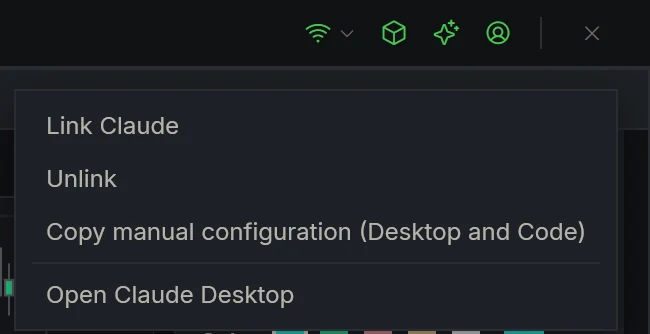
you · Take the MA crossover, walk-forward it on my micros list over the last year and tell me if it holds out of sample.
- describe_scriptMA Crossover
- open_optimizermicros · 15m
- set_walk_forwardrolling · 70 / 30
- configure_optimizergenetic · fitness
- run_optimizerdone
- get_optimizer_resultsper period
claude · In-sample it looks strong everywhere. Out of sample it only holds on one instrument, and the best parameters jump between periods. I would drop it as it is. Want me to try a slower filter and rerun?
you · Yes, and export the report.
- export_optimizer_pdfreport.pdf
Write and fix code
Strategies and indicators in plain C#. Claude writes them, compiles them in the app and fixes what does not compile.
Run the backtests
Builds the instrument list, applies the strategy, runs it and reads back the summary, trades and orders.
Run the walk-forward
Sets the periods, the search and the fitness, runs it and compares in-sample against out-of-sample.
Report back
Explains where the drawdown came from, what changed between runs, and exports the PDF.
Trade it where you trade.
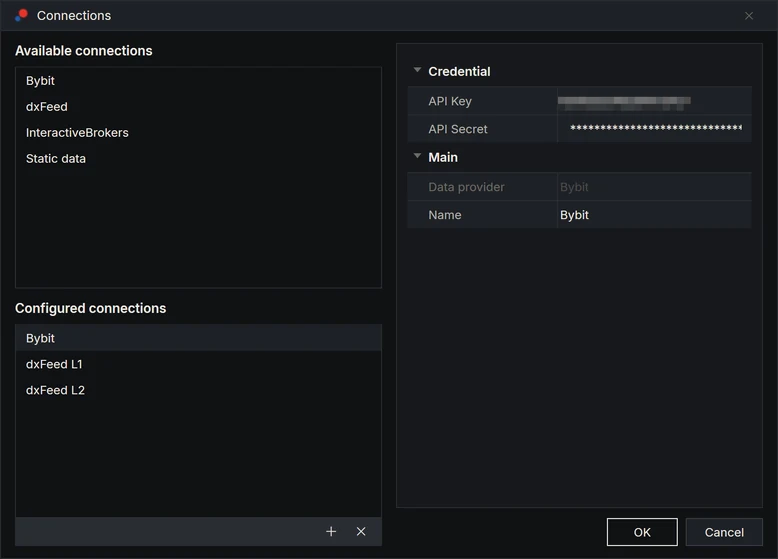
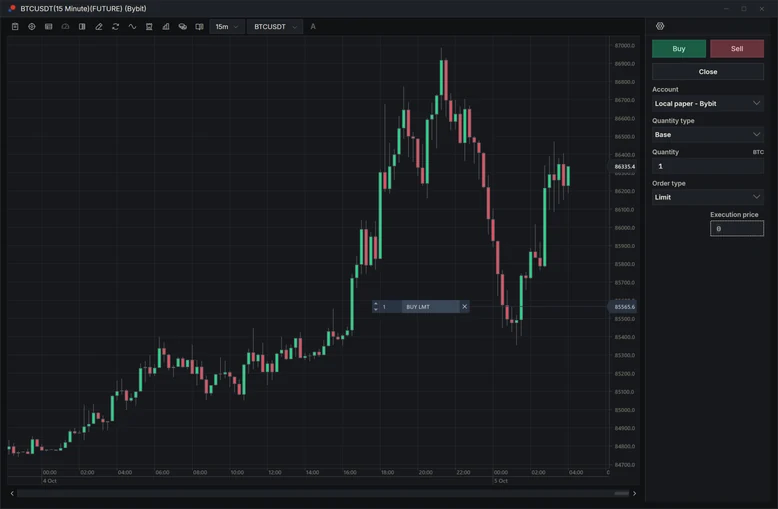
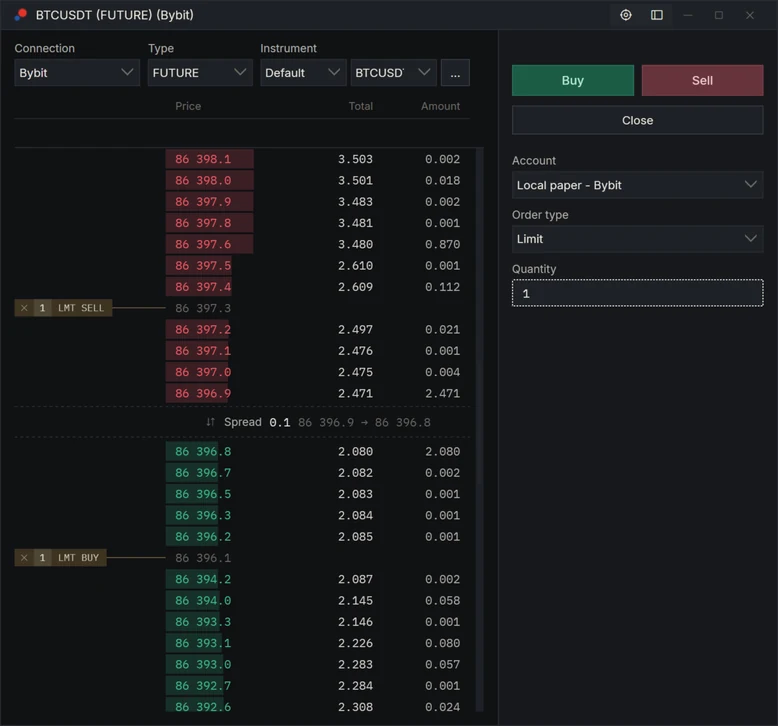
A strategy that passed goes live from the same app, on a chart, on the book or from the Control Center. AlgoDesk talks to brokers, exchanges and data feeds through connectors, and takes your own historical data as CSV or Parquet files. You are never stuck with the ones on our list.
What it connects to
- broker Interactive Brokers live trading and market data available
- futures broker Tradovate / NinjaTrader live trading and market data available
- crypto exchange Bybit live trading and market data available
- market data dxFeed real-time and historical feeds coming soon
- prop firm Topstep trade your funded account coming soon
- historical data CSV · Parquet import your own files available
Use ours
The default connectors come with every plan and are kept up to date with every release.
included
Write your own
The connector SDK is open to you. Plug in your broker, your feed or your own in-house system, in C#.
yours to build · SDK
Ask us to build it
Tell us which venue you need. We scope it, quote it and build it, usually in about a week.
scoped and quoted
Ask for it.
We move fast.
The people who wrote AlgoDesk are the people who answer you. We are flexible about what goes into the app, and when you ask for something we can add it much faster than most software vendors can.
- 01
Tell us what you need
A metric, a report, a window, a connector, a change to how something works.
- 02
We come back with how and when
No ticket queue that goes nowhere. If it is specific to you, we scope it and quote it first.
- 03
It ships in your app
It arrives with an update, on the same build everyone else uses.
Own the platform
behind your product.
Everything on this page can be yours to sell under your own name. Brokers, prop firms, fintechs and educators take AlgoDesk one of three ways.
-
Source
Own the code. The whole C# solution, yours to modify and ship inside your own product.
-
White Label
Own the product. Your brand on a platform we run and keep updating.
-
Partner
Own the audience. You bring the users, we run the platform, you take a share.
Three steps. No card.
- 01
Enter your email
We send one link. It works once and lasts thirty minutes.
- 02
Set a password
The installer downloads straight away. Keep the password: the app asks for it.
- 03
Sign in to the app
Your free month starts here, on first sign-in, not when you registered.
Already have an account? Sign in
Keep it the way that suits you.
Same build on every plan, default connectors and updates included. You choose a plan from your account whenever you are ready; nothing to pick today.
The plain answers.
- Which assistant?
- Claude, with your own Claude account; any MCP-capable client can connect the same way. The MCP server runs inside the app on your machine and only reaches what the app exposes to it.
- One account, one machine
- The app remembers the computer it first signs in on. That is what keeps one licence to one desk.
- New computer?
- Clear the machine ID in your account, then sign in on the new machine. Your scripts and results stay where they are.
- Cancelling
- One button in your account. The plan runs to the end of what you paid for, then stops.
- Running a business?
- If you want the platform under your own brand, or its source code, that is White Label or Source. See the offers or talk to us.
Requirements: [Windows version, 64-bit] · [memory] · internet connection for sign-in and live data.