What Claude will not do
Some limits are built into AlgoDesk, and Claude cannot get past them. Others are rules AlgoDesk hands Claude together with its tools. This page lists both, so you know what to expect and what to check.
Live trading stays with you
A chart is live when either of these is true:
- its connection is connected and gives you a Broker account (see Accounts);
- its strategy trades a Broker account whose connection is connected. This covers a strategy that sends its orders to another connection through an instrument map, such as a dxFeed chart whose strategy trades your Interactive Brokers account.
A chart that is on paper only is not live, such as a dxFeed chart whose strategy trades dxFeed's Local paper account, or a chart on an Interactive Brokers Paper connection. A chart whose connection gives you a Broker account is live even while its strategy trades Local paper.
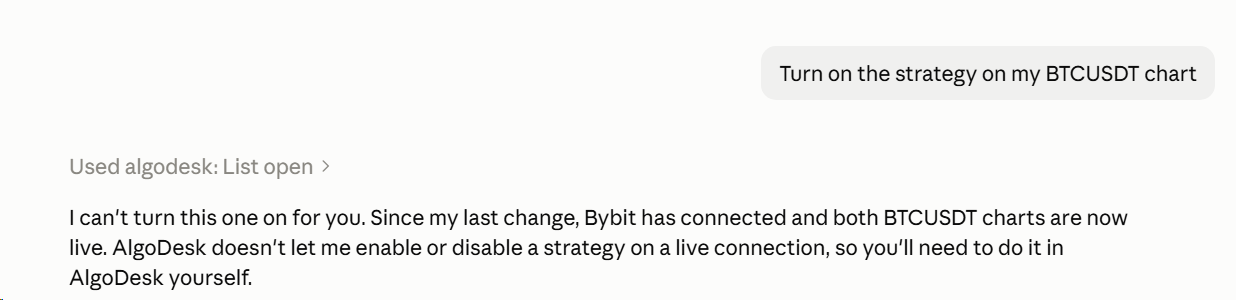
Claude can read everything on a live chart, but AlgoDesk refuses when Claude tries to:
- switch the chart's strategy on or off;
- change a parameter of the strategy, or of an indicator on that chart, while the strategy is on;
- put an indicator or a strategy on that chart while its strategy is on;
- compile while any strategy on a live chart is switched on. AlgoDesk names those strategies.
A strategy Claude puts on a live chart arrives switched off. You turn it on in AlgoDesk. The refusal Claude passes on says why, for example "The chart's connection is live; enabling a strategy from Claude would start live trading, so do it yourself in AlgoDesk."
Changing parameters never switches a strategy on, on any chart. A strategy that is off takes the new values and stays off, and Claude tells you it did not run.
On a chart that is not live, Claude can switch a strategy on or off when you ask. See Running a strategy live.
Beyond charts, Claude has no way to:
- see your accounts, balances or positions;
- place, change or cancel an order, or use the Book Trader or Chart Trader;
- switch an Interactive Brokers, Bybit, Tradovate or TopstepX connection on, or add or change any connection. It sees your connections' names and whether they are connected, never their passwords or keys;
- change Options, or sign you in or out.
What AlgoDesk refuses
These limits hold whatever Claude is asked:
- One optimisation at a time. Claude cannot start a second optimisation while one of its own is running.
- No compile during a run. Claude cannot compile while any Optimizer run is going, or while a compile is already running.
- No changes mid-run. Claude cannot change an Optimizer window while a run is going in it, or put on, replace or take off a strategy in a Backtester that is running.
- Closing. Claude can close only Optimizer windows it opened, with nothing running and nothing unsaved. See Working alongside Claude.
- No deleting. Claude has no way to delete a saved run, a preset, an instrument list or an instrument. Taking an instrument off a list leaves it in AlgoDesk.
- Nothing replaced by accident. A preset or a PDF file of the same name is replaced only when Claude says so explicitly, and Claude asks you first.
- All or nothing. Adding instruments adds exactly the symbols Claude names. If one is unknown, nothing is added.
- No new chart without a bar size and a period. A new chart, or a Backtester root that does not come from a saved preset, needs both; AlgoDesk refuses one without.
- No saving a stopped run. Claude does not save an optimisation that was stopped part-way.
Rules Claude follows
AlgoDesk hands Claude these rules together with its tools. They are instructions to Claude, not locks in AlgoDesk, so read what Claude proposes before you say yes.
- No made-up settings. Claude never invents a bar size or a period. When you did not say them, it asks for the bar size and how many days to load.
- Instruments wait for your yes. Claude shows you every candidate it found, with its symbol and description, waits for an explicit yes, and adds exactly those.
- Your choice, not Claude's. When AlgoDesk refuses an instrument or a script and suggests others, Claude shows you the suggestions instead of picking one.
- No strategy switched on unasked. Claude never switches on a strategy you did not ask it to switch on.
- Backtester questions. Claude asks what to call the root, puts in a strategy only if you named one, and asks where it goes. If a run has nothing to run, Claude tells you what is missing; it does not place a strategy to fix it.
- Runs only when you say. Claude sets up a Backtester or an Optimizer, then waits for you to say run. It asks before a full search of over 1,000,000 combinations a period, and before moving a start date that is earlier than the data goes back.
- Open charts first. Before opening a new chart, Claude checks whether one of that instrument is open and asks whether to use it.
- Honest results. Claude tells you how many periods failed or were emptied by the filters, says every time that a total with hand-picked periods is not a walk-forward result, and never changes a selection because of its out-of-sample numbers without telling you.
No hidden dialogs
When something Claude asked for would make AlgoDesk show a message or ask a question, AlgoDesk does not show it. It writes the text to the log and hands it to Claude, which tells you, and that step stops there. No window waits behind Claude's back, and Claude never answers a question on your behalf. An unexpected error during Claude's work also goes to the log instead of an error box.
This applies only while Claude's own request is being carried out. Your clicks show messages and questions as always, even in a window Claude opened. Once Claude's request has finished, AlgoDesk's messages are yours again: if a dxFeed connection Claude switched on drops later, you see the usual message.
What Claude sees
AlgoDesk answers only Claude on this computer, under your Windows user, and only while AlgoDesk is running and you are signed in.
Whatever Claude reads through these tools, from your strategies' source code to your trades and results, becomes part of your conversation with Claude.