Tradovate
Tradovate is a futures broker. A Tradovate connection gives you CME futures prices, history and market depth, and trading on your Tradovate account, Live or Demo. You sign in on Tradovate's own page in your browser; AlgoDesk never sees your password. A NinjaTrader account signs in the same way, through the same page.
Signing in
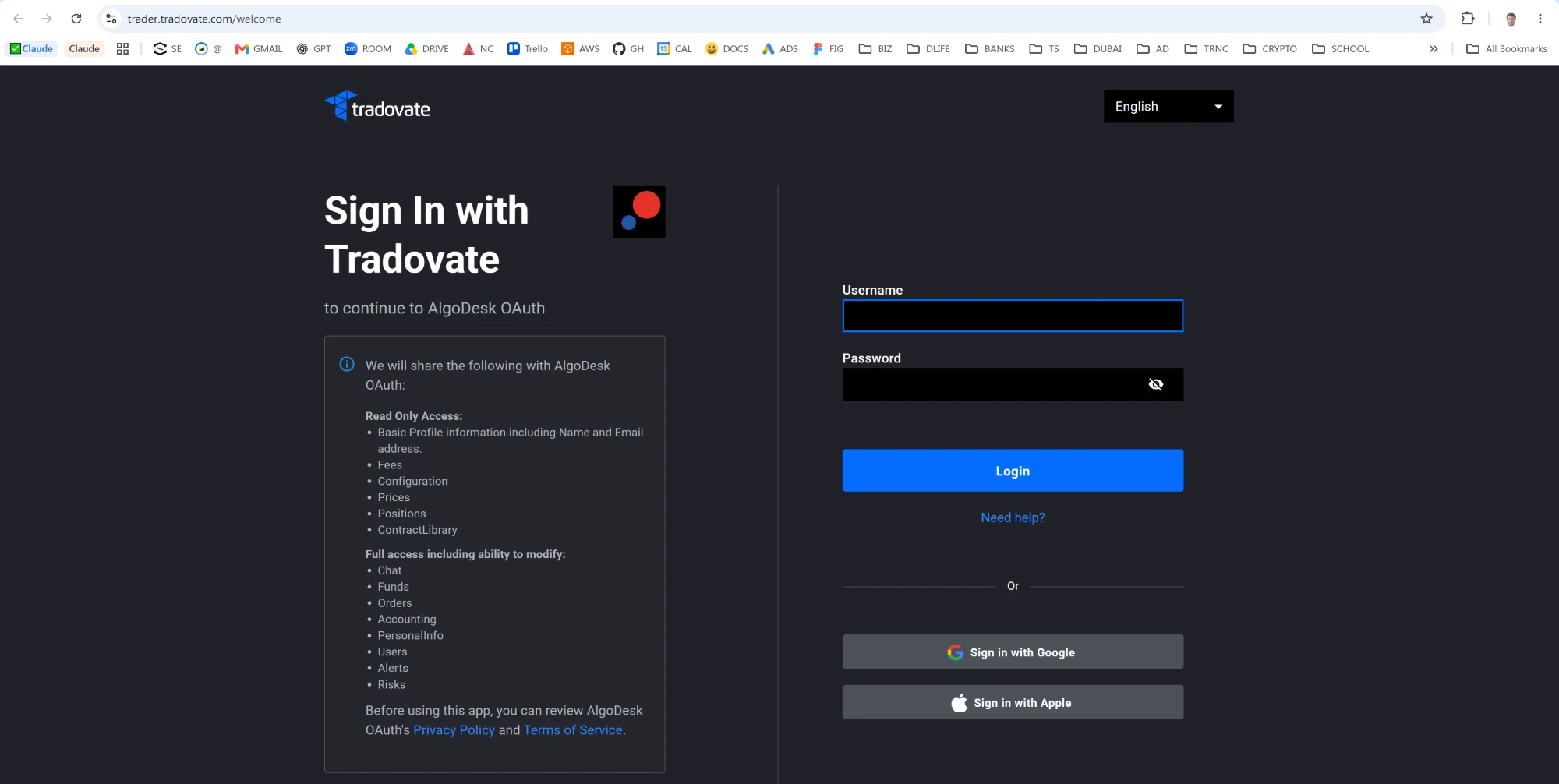
AlgoDesk is registered with Tradovate as an application, so there is no API key to create. When you turn the connection on for the first time, your browser opens Tradovate's sign-in page. Sign in with your Tradovate or NinjaTrader login and allow AlgoDesk. The browser then lands on a page of algo-desk.com saying the sign-in reached AlgoDesk: close the tab and return to AlgoDesk, where the connection comes up by itself a moment later.
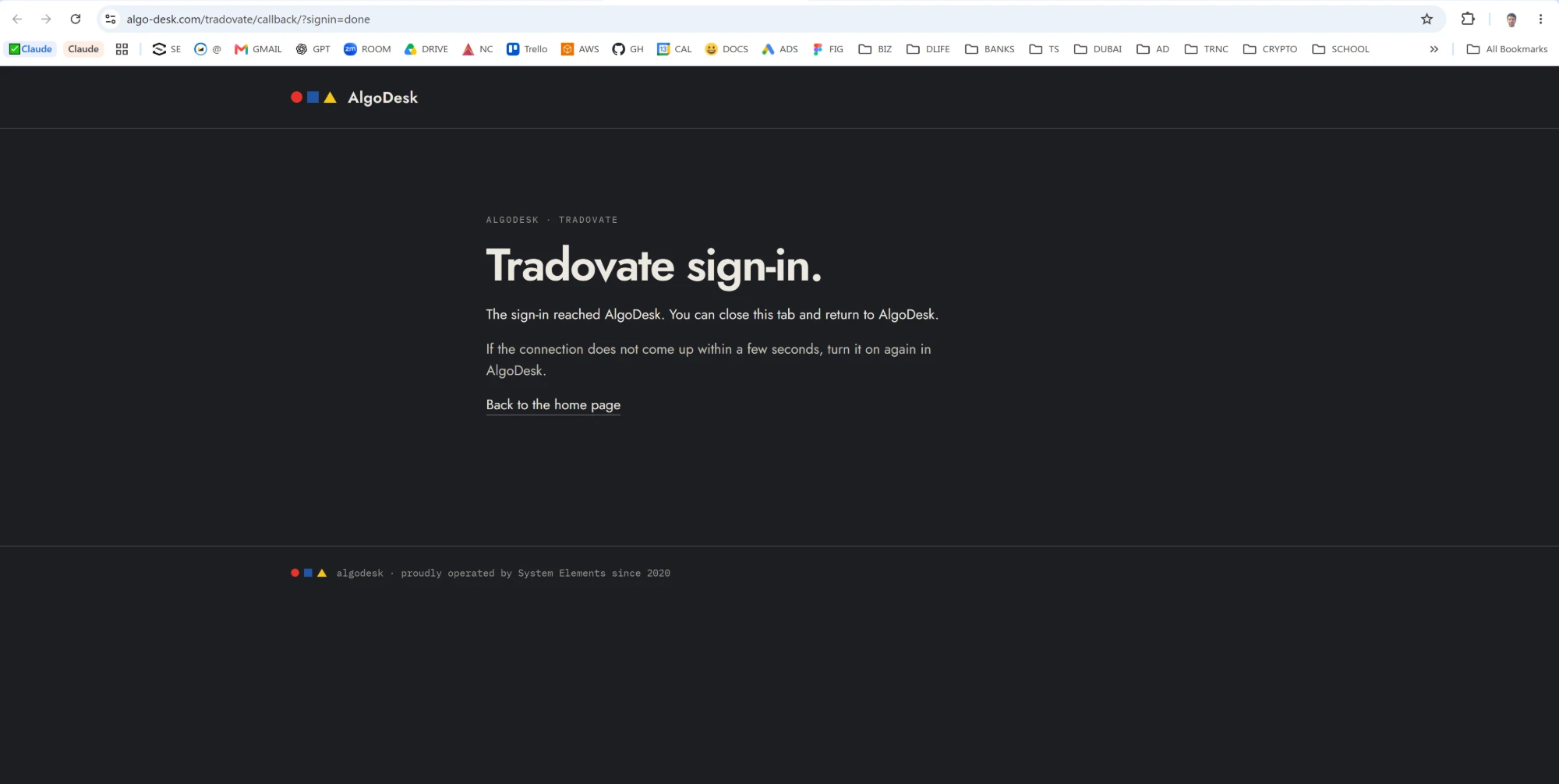
If that page says the sign-in was not completed, it shows Tradovate's reason: you or Tradovate declined it, or the page was left too long. If the browser ends on its own page saying that 127.0.0.1 refused to connect, AlgoDesk had stopped waiting for the sign-in, which happens five minutes after the page opened. In both cases turn the connection on again and sign in once more.
AlgoDesk keeps the sign-in on your computer, encrypted so that only your Windows user can read it, and renews it by itself while the connection is on, shortly before it would run out. A sign-in stays good for 26 hours after it was last renewed: connect again within a day or so and nothing opens; connect after a longer break, such as a weekend, and the browser opens again.
One sign-in serves every Tradovate connection on your computer, Live and Demo alike. To sign in as a different Tradovate user, remove a Tradovate connection and add it again: removing one forgets the sign-in on this computer, so the next Tradovate connection you turn on opens the browser. A Tradovate connection that is still on at that moment keeps working until its next renewal, then stops with "Tradovate: not signed in; connect again to sign in."
Settings
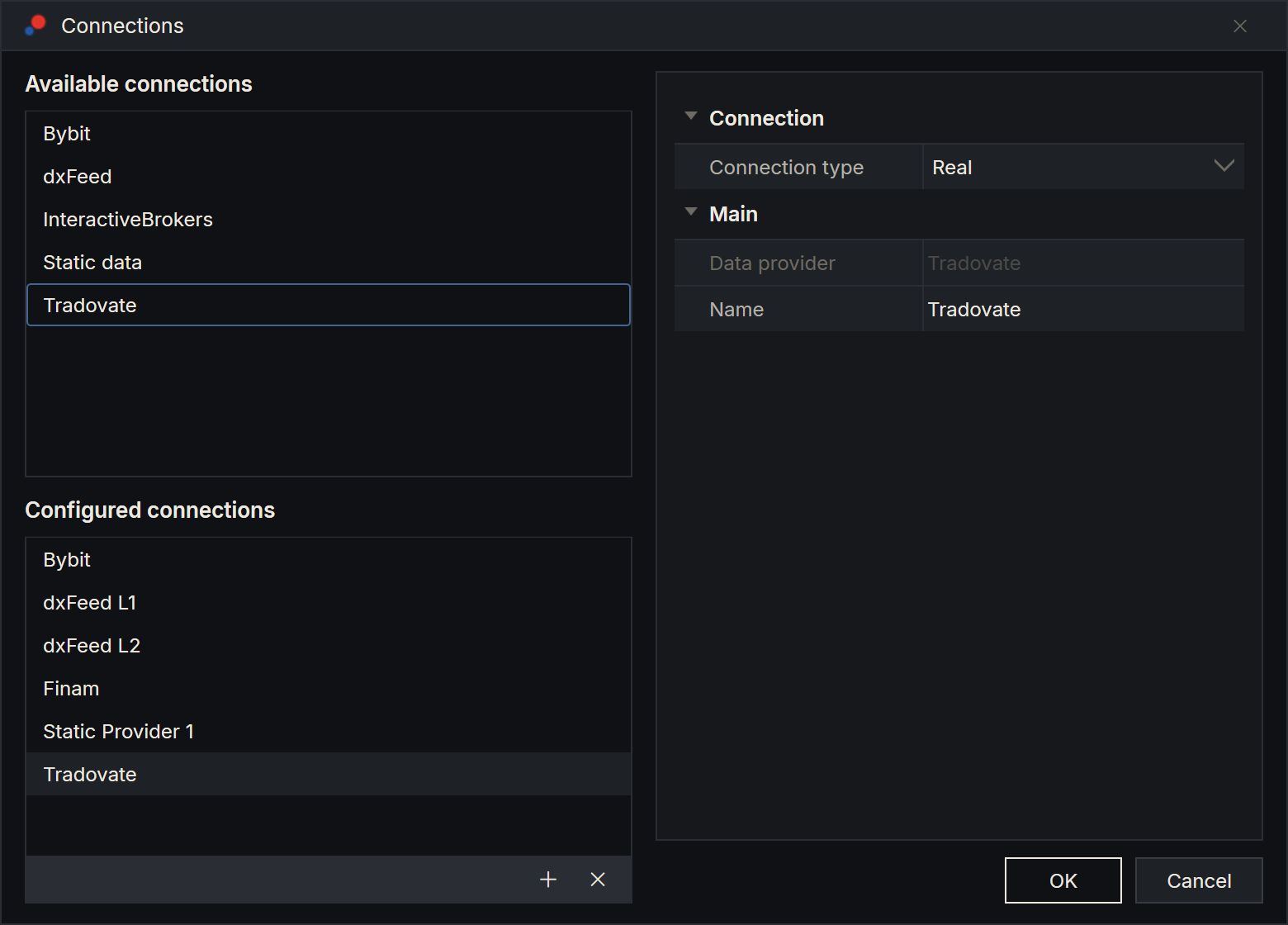
Add a Tradovate connection as described in Setting up a connection. It has one setting of its own:
| Setting | What to enter |
|---|---|
| Connection type | Real for your Live account, Paper for your Demo account. One sign-in serves both. A new connection is named Tradovate, and the name does not change with Connection type: rename a Demo connection in Name, for example to Tradovate Demo, to tell the two apart. |
The connection trades and shows the first active account of your login on that side, Live or Demo. There is no account to choose: a login with several accounts on one side trades its first one in this version.
Real money and practice
A Real connection gives you a Broker account on your Live Tradovate account: its orders are real and cost real money. A Paper connection gives you a Server paper account on your Tradovate Demo account. Every Tradovate connection also has a Local paper account, for practice inside AlgoDesk against Tradovate's live prices; its orders never reach Tradovate. See Orders, positions and accounts.
What Tradovate gives you
| What | Details |
|---|---|
| Instruments | One type, FUTURE: the contracts Tradovate trades on CME, CBOT, NYMEX and COMEX, each expiry its own instrument. Type a product such as ES to list its expiries, or a contract such as ESZ6 to find it. See Finding and adding instruments. |
| History | Bars of 1, 3, 5, 15 and 30 minutes, 1, 2 and 4 hours, and 1 day, back to January 2017. |
| Live prices and depth | Every trade, for charts, and the order book with up to 20 prices on each side for the Book Trader. |
| Orders | Market, limit, stop and stop-limit orders, from charts, the Book Trader and strategies, with Day, GTC, IOC and FOK. |
| Your account | Balance, positions, and every order on the account, including the ones placed in Tradovate's own apps: those appear with an id starting with tdv- and can be cancelled from AlgoDesk, but not changed. |
Your market-data subscription
Prices, depth and history come with the market-data subscription on your Tradovate account, which is managed in your Tradovate account under market data. The subscription on your Live account serves your Demo connections too.
Without it, Tradovate sends prices delayed, and the connection's log says so when a chart opens: "prices are delayed; the Tradovate account has no real-time data subscription". History is refused altogether: the chart shows a message that begins "Tradovate acknowledged the history request for … without subscription ids" and ends with Tradovate's own words, "Symbol is inaccessible". Subscribe at Tradovate, then turn the connection off and on again.
The Default list
When a Tradovate connection connects, AlgoDesk makes sure it has an instrument list named Default of type FUTURE, holding the front contracts of ES, NQ, MES and MNQ, so you can chart them straight away. See Instrument lists.
Limits
Tradovate limits how often an application may ask it for things. When a limit is hit, Tradovate answers with a short wait, which AlgoDesk serves by itself. When a stricter limit is hit, Tradovate refuses every request for an hour, and the connection closes with a message such as "Tradovate is refusing requests after a rate limit; try again after 13:00 UTC. The connection was closed after the trading socket answered 429; connect again after that." The time is when Tradovate opens again, in UTC. The second sentence says where Tradovate refused: "the trading socket", "the market-data socket" or "a request". Connect again after that time. A connect before then stops at once with the first sentence and the same time: AlgoDesk asks Tradovate nothing until the hour is over, so trying early does not restart it.
Tradovate allows only ten sign-in renewals an hour. AlgoDesk renews the sign-in only when it has to, but a connection switched on and off many times in an hour can still use them up, and the same hour-long refusal follows.
Tradovate also limits how many devices and addresses may use one account's market data at the same time. If another device takes the connection, it closes with "Tradovate closed the connection: DeviceQuotaReached" (or ConnectionQuotaReached or IPQuotaReached), followed by Tradovate's reason if it gave one, and does not reconnect by itself: close the other device's session and connect again.
Messages
If the connection fails, a message box titled with the connection's name says why.
| Message | What to do |
|---|---|
| "Tradovate refused the sign-in: …" | Tradovate did not accept the sign-in. The end of the message is Tradovate's own reason. Connect again and sign in. |
| "Tradovate refused the sign-in token; connect again to sign in." | Tradovate no longer accepts the stored sign-in. The words "(status …)" can follow "token". Connect again; if it happens again, remove the connection, add it again and sign in. |
| "Tradovate refused to renew the sign-in; connect again to sign in." | The stored sign-in has expired or was revoked. Connect again; the browser opens. |
| "Tradovate: not signed in; connect again to sign in." | The sign-in was forgotten while this connection was on, because a Tradovate connection was removed. Connect again; the browser opens. |
| "Tradovate's sign-in service is unavailable; try again later." | Tradovate's sign-in servers did not answer. Your stored sign-in is kept; try again in a few minutes. |
| "Tradovate sign-in is not configured in this build." | This copy of AlgoDesk cannot sign in to Tradovate. Contact support. |
| "Tradovate: the browser sign-in did not come back within 5 minutes." | The sign-in page was not completed in time. Connect again and finish the sign-in in the browser. |
| "Tradovate: the sign-in was denied (…)." | You or Tradovate declined the sign-in. The end of the message is the reason given. Connect again and sign in. |
| "Tradovate sign-in cannot listen on port …; another program is using it." | AlgoDesk waits for the sign-in on a port of your computer, and another program holds it. Close that program, or restart your computer, and connect again. |
| "Tradovate sign-in failed: …" or "Tradovate connect failed: …" | Something else went wrong; the end of the message says what. Try again; look at the Log tab of the Control Center if it repeats. |
| "Tradovate closed the connection: …" | Another device or address took the account's connection slot. Close it there and connect again. |
| "Tradovate is refusing requests after a rate limit; try again after … UTC." | A Tradovate limit was hit. Connect again after the time shown. The message may go on: "The connection was closed after … answered 429; connect again after that." |
| "Tradovate did not answer the sync request within 45 s." | Tradovate accepted the sign-in but did not send the account. Try again; look at the Log tab if it repeats. |
When the line drops
AlgoDesk sends Tradovate a heartbeat every few seconds and treats 30 seconds of silence as a dropped line. It then reconnects by itself: after 1 second, then waiting twice as long each time, up to once a minute, and signs the line in again with the stored sign-in. If Tradovate refuses to renew the sign-in at that point, the connection closes instead, with a message from the table above. See Connection status and reconnecting.